

DIY vs Pro Fortnite Thumbnail Designer: What Works Better?
.jpg)
Remember the first time you hit upload on a Fortnite video and impatiently watched the view counter? If your thumbnail was bland or boring, chances are nobody clicked. For many creators, that tiny image feels like the make-or-break moment.
It’s your channel’s front cover in the digital newsstand of YouTube gamers. The good news? A great thumbnail can be the difference between a Victory Royale and ghost-town view counts.
What makes a thumbnail pop in the crowd? Bright, contrasting colors grab the eye, and a face or character showing emotion wins hearts. Fortnite thumbnails often crank these up: think action-packed screenshots, neon armor, or that iconic Fortnite llama.
These design “hacks” work on any thumbnail, but Fortnite’s cartoony style is unmistakable. Both DIY amateurs and seasoned pros know this secret. So here’s the question: will you build your own eye-catching Fortnite thumbnail, or bring in a specialist designer?
DIY Your Fortnite Thumbnails
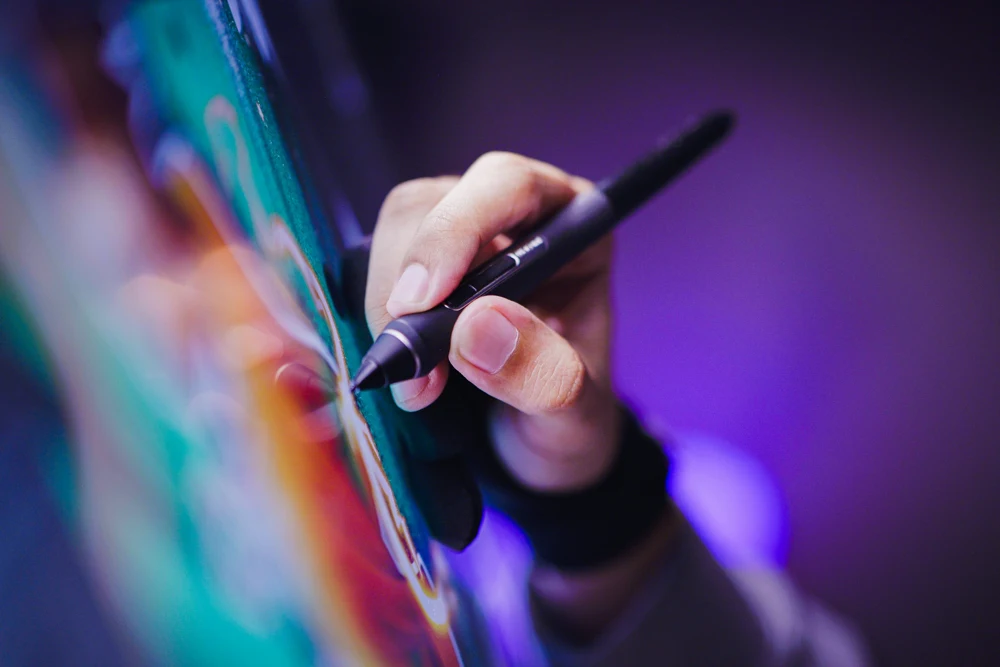
Going DIY means you are the creator. You fire up free or cheap design software, click “New Thumbnail,” and start crafting. It’s low-cost (often free), and you have full control over every element. Want to slather “EPIC VICTORY” in bold text? You do it.
Prefer a llama over a loot chest? Sure! As one branding blog notes, the perks of DIY are “cost savings” and total creative “control”. Plus, it’s kind of fun to say, “I made this!” to your viewers.
But DIY also has a dark side. Remember, “do-it-yourself” means it takes time and skill. I once slapped Comic Sans on a victory screenshot thinking it’d go viral. It didn’t. Messing with layers, fonts, and filters has a steep learning curve.
You might spend hours wrestling with pixelated edges or choosing just the right color pop. Without professional polish, a DIY thumbnail can look … well, amateur. In short, DIY saves you money but trades it for hours (or nights) of effort and the result might not rank up to a pro’s work.
- Pros: Cheap or free; 100% creative freedom; instant edits and fixes; plus the bragging rights of “I did it myself.”
- Cons: Steep learning curve; time-consuming; you might miss professional design tricks, resulting in a less polished look.
Professional Fortnite Thumbnail Designers
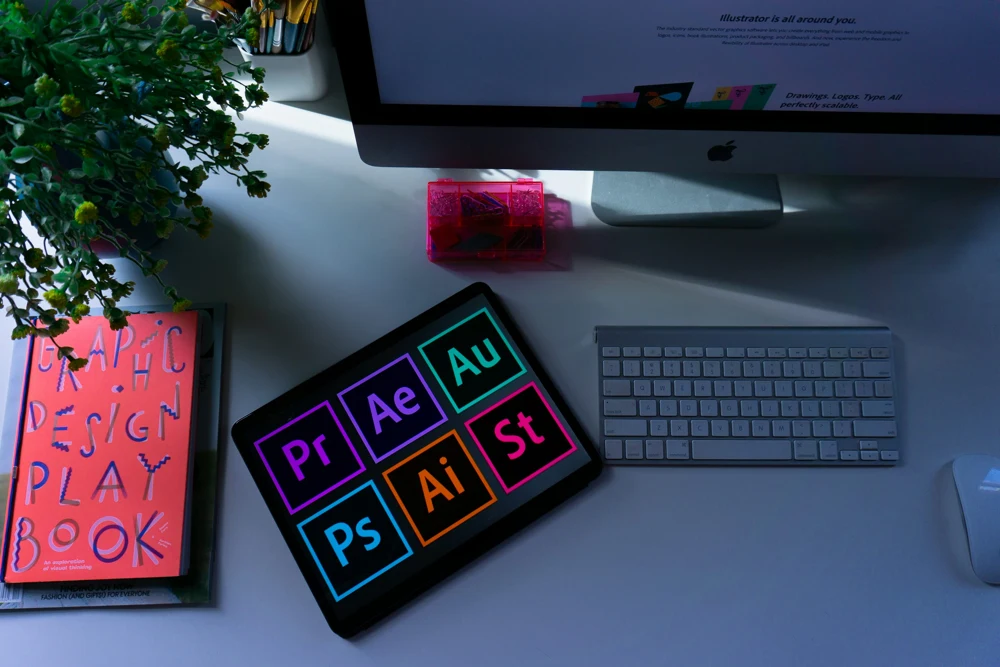
On the flip side, a professional Fortnite thumbnail designer has the skills and tools to make your thumbnail pop from the first glance. They know Fortnite’s flair, big action scenes, bold characters, and electric colors and apply design rules so you don’t have to.
A top designer will produce crisp, magazine-style images with balanced composition and legible text, even at the tiny thumbnail size. In short, a pro can whip up a thumbnail that looks like a mini movie poster, grabbing clicks every time.
Of course, that expertise comes at a price. Hiring a pro usually means paying per design or by the hour from as low as a few dozen to a few hundred dollars per image. You’ll need to explain your vision (maybe send them a gameplay screenshot or a color preference).
If your budget allows, though, the payoff can be real. Sharper, more polished thumbnails often translate into higher click-through rates – some data hint that top videos see CTRs of 7–15% thanks to killer thumbnails. After all, Epic’s Fortnite documentation stresses that the thumbnail is literally your first impression on players. For the complete rules, check out Epic’s Fortnite Creator Portal guidelines.
DIY vs. Professional: A Quick Comparison
|
Aspect |
DIY Fortnite Thumbnail Design |
Professional Fortnite Thumbnail Designer |
|---|---|---|
|
Cost |
Very low (free tools or templates) |
Higher (pay per design or per hour) |
|
Quality |
Mixed (depends on your skill) |
Consistently high and polished |
|
Time |
Long (you do all the work) |
Short (designer does the work) |
|
Control |
100% creative control (you decide every pixel) |
Guided by expert (you give feedback) |
|
Consistency |
Harder to maintain a uniform brand look |
Easier branding consistency across videos |
Above is a quick rundown. DIY means total freedom and savings, but also a lot more work and trial-and-error. Professional means more cost upfront, but you get expertise and save hours of struggling.
Think of it like cooking: DIY is making instant ramen (cheap and customizable), while hiring a pro is like getting a gourmet chef to cook you a signature dish.
Conclusion
In the end, there is a way to win with either approach. If you’re just starting out or have a tiny budget, flexing your DIY design muscles can work just fine – plenty of small creators thrive with home-made thumbnails.
But if you’re building a serious channel and want your videos to look polished, a pro Fortnite thumbnail designer can be one of your secret weapons. A gorgeous thumbnail tells viewers, “Hey, this creator cares about quality,” which encourages clicks and trust.
Whatever route you choose, remember the basics: use bright, high-contrast colors, bold text, and exciting Fortnite imagery to catch the eye. Test different styles, ask friends for feedback, and keep refining your approach.
Which camp are you in – #TeamDIY or #TeamPro? Drop a comment and let us know your thumbnail triumphs (or fails)! Good luck, and may your next thumbnail deliver that sweet, sweet click.
Frequently Asked Questions
Absolutely. Many free or low-cost graphic editors and online thumbnail makers (no need for fancy brands) allow you to design thumbnails from your computer or even a phone. With some practice, you can create eye-catching Fortnite thumbnails at zero cost.
It varies widely. Beginners on freelance sites might charge $5–$20 per thumbnail, while experienced designers or agencies can charge $100 or more for a premium custom design. It depends on the designer’s skill, turnaround time, and complexity of your request.
If your DIY thumbnails aren’t getting clicks, or if you want a consistently polished look, hiring a pro can be worth the investment. A professionally designed thumbnail usually looks more engaging, and since it’s the “first impression” of your video, making it top-notch often pays off.
Use a high-quality Fortnite image (like an action scene or epic moment), vibrant colors, and big, easy-to-read text. Include recognizable elements (characters, weapons, Victory Royale text) and convey excitement or emotion. Keep it uncluttered, one main subject is often better than several. In short: make it bold and attention-grabbing.
Very important. A thumbnail is often the deciding factor in whether someone clicks your video. Experts say it’s the first impression of your content. Spending effort on a great thumbnail (DIY or pro) can dramatically boost your views and engagement.
.png)

Comments
Update Comment