

Facebook Cover Design for Small Businesses: A Complete Guide
.jpg)
You know that tiny judgment you make when you step into a new café? Lighting, energy, the “I could work here” feeling. People do the same thing on your Facebook Page, except they do it in a blink.
For a small business, Facebook Cover Design is not “just a banner.” It’s your storefront window, your vibe check, and your first impression rolled into one wide rectangle.
If you want a fast shortcut to a polished look, check out the prominent Facebook page cover design to see how pros structure a header that feels intentional.
In this guide, I’ll walk you through Facebook Cover Design from the pixels up: the right dimensions, the mobile crop traps, and the simple layout rules that make your cover feel premium (even if your budget feels very “two interns and a dream”).
I’ll also give you ready to use ideas for different industries, plus a quick checklist you can reuse every time you update your Page.
Why Facebook Cover Design still matters for small businesses
People do not “read” a Page header. They scan it. That means your Facebook Cover Design needs one focal point and one clear promise, not a collage of everything you offer.
A cover photo often becomes the first thing visitors notice when they click a Page, so it pulls more weight than most small businesses give it credit for.
Your cover should quietly answer three questions in under one second:
What do you do?
Who is this for?
What should I do next?
When your Facebook Cover Design answers those, you make the rest of your Page feel easier to trust.
Facebook Cover Design specs you actually need
If Facebook Cover Design had an unofficial motto, it would be: design once, then preview on two devices.
Hootsuite’s updated size guide lists the practical numbers: a Facebook cover photo is recommended at 851 × 315 px, displays at 820 × 312 px on desktop, and 640 × 360 px on smartphones, with a minimum size of 400 × 150 px.
Quick spec table
|
What you’re deciding |
Best practice |
Why it matters |
|---|---|---|
|
Recommended working size |
851 × 315 px |
Helps avoid distortion and matches common guidance. |
|
Desktop view |
820 × 312 px |
The desktop shows a shorter crop than many people expect. |
|
Smartphone view |
640 × 360 px |
Mobile crops differently, so your layout must stay centered. |
|
File format |
JPG or PNG |
PNG stays crisp for logos and text; JPG works well for photos. |
|
Fast loading export |
sRGB JPG, under 100KB |
Multiple guides cite this as a “loads faster” target. |
The two traps that wreck otherwise good Facebook Cover Design
First, mobile can crop the sides compared to desktop, so keep your headline and logo in the center “safe” area and avoid pushing important elements to the edges.
Second, the profile picture can overlap the left side of the cover, so don’t place your best information in the “profile photo zone.”
What to put on your cover without making it look like a flyer
This is where Facebook Cover Design turns from “graphic” into “strategy.”
Pick one job for your cover
Choose a primary goal, then design around it:
- Get a visit: show your space, your signature product, or your atmosphere.
- Get a booking: show a clear outcome (before/after) and a simple promise.
- Get a click: feature one best seller, one new drop, or one irresistible bundle.
- Build trust: show people, process, or proof (awards, ratings, recognizable clients).
A single job keeps your cover calm. Five jobs turn it into a busy airport departures board.
Here’s a quick “mini chart” you can use when you feel stuck:
Goal → Best cover approach → Best visual
Get a booking → Outcome first → Before/after, smiling client, clear promise
Get a store visit → Vibe first → Interior shot, hero product, local flavor
Get a click → Product first → One item, strong lighting, one short label
Build trust → People first → Team photo, process shot, social proof
Write a headline, not a paragraph
Your cover should feel like a magazine cover line. Short, specific, human.
Try these formats: * “[Result] in [timeframe]” (example: “Fresh lunch in 10 minutes.”) * “[Thing you sell], [signature detail]” (example: “Espresso, roasted in house.”) * “Book [service] online” (example: “Book a haircut in 60 seconds.”)
You can absolutely use text in Facebook Cover Design. Facebook’s old “20% text rule” is mostly remembered from ad history, and Facebook removed that strict restriction for ad images anyway. Still, viewers have their own limit: if your message needs squinting, it needs editing.
Make it readable on a phone
When your Facebook Cover Design includes words, contrast decides whether anyone reads them. WCAG guidance recommends at least 4.5:1 contrast for normal text (and 3:1 for large text).
“Text and its background should have a contrast ratio of at least 4.5:1.”
Three fast fixes: * Add a soft dark overlay behind light text. * Put text on a calm area of the photo, not on busy patterns. * Test on your phone at arm’s length. If you hesitate, your audience scrolls.
A repeatable workflow for Facebook Cover Design
Small businesses win when they can update quickly without redesigning their identity every month.
The five step workflow
- Start with the recommended size so you don’t fight cropping later.
- Keep the key message centered so mobile cropping cannot ruin it.
- Export PNG for text and logos, export JPG for photo heavy covers.
- Preview on desktop and smartphone because Facebook uses different display sizes.
- Avoid dragging to reposition after upload unless you must.
Cover style ideas you can steal
|
Cover style |
Best for |
Keep it sharp by… |
|---|---|---|
|
Lifestyle photo |
cafés, gyms, studios |
using real people and real context |
|
Product hero |
online shops, retail |
featuring one product with space to breathe |
|
Minimal brand banner |
consultants, B2B |
using one promise and one clear logo placement |
|
Seasonal campaign |
promos, events |
adding an end date, then swapping it out on time |
Consistency matters here. When your Facebook Cover Design matches your brand’s colors and tone, your Page feels more professional and cohesive.
When you need an always current reference for specs, bookmark Hootsuite’s February 2026 social media image size guide so you can stop guessing.
Extras that can level up Facebook Cover Design
Cover videos
Some Pages support cover videos. Many guides recommend designing them for the cover area and keeping them roughly 20–90 seconds so they loop cleanly.
Use a cover video when motion tells your story faster than text: steaming food, a quick studio walkthrough, the “before” moment turning into the “after” moment.
Update rhythm
A simple cadence that looks intentional: * Update quarterly for evergreen brands. * Update monthly if you run frequent offers or events. * Update weekly only if you already have a campaign calendar and templates.
Stay policy friendly
Platform terms apply to Pages, and content can get removed if it violates rules, so keep your visuals clean and professional.
Conclusion
Facebook Cover Design works best when it stays simple and ruthless: one message, one focal point, sized correctly, and readable on a phone. When you do that, your Page header stops being decorated and starts doing real work.
Here’s your move: update your cover this week, then check it on your own phone like a customer would. If it makes sense in one second, you nailed it. If not, trim the text, center the important stuff, and let your design breathe.
Frequently Asked Questions
A good target for Facebook Cover Design is the recommended 851 × 315 px, while remembering Facebook displays covers at 820 × 312 on desktop and 640 × 360 on smartphones.
Facebook shows different cover dimensions on phones versus desktop, so it can crop the sides or change what looks “centered.”
Keep text centered and away from the far left and right edges, since mobile views can crop the sides.
Use PNG for logos and text, and use JPG for photo heavy covers when you want smaller files.
Boost contrast. WCAG recommends 4.5:1 contrast for normal text, and 3:1 for large text.
Update when something meaningful changes: season, offer, event, new product, or refreshed brand visuals. Frequent updates can also signal that the Page is active and cared for.
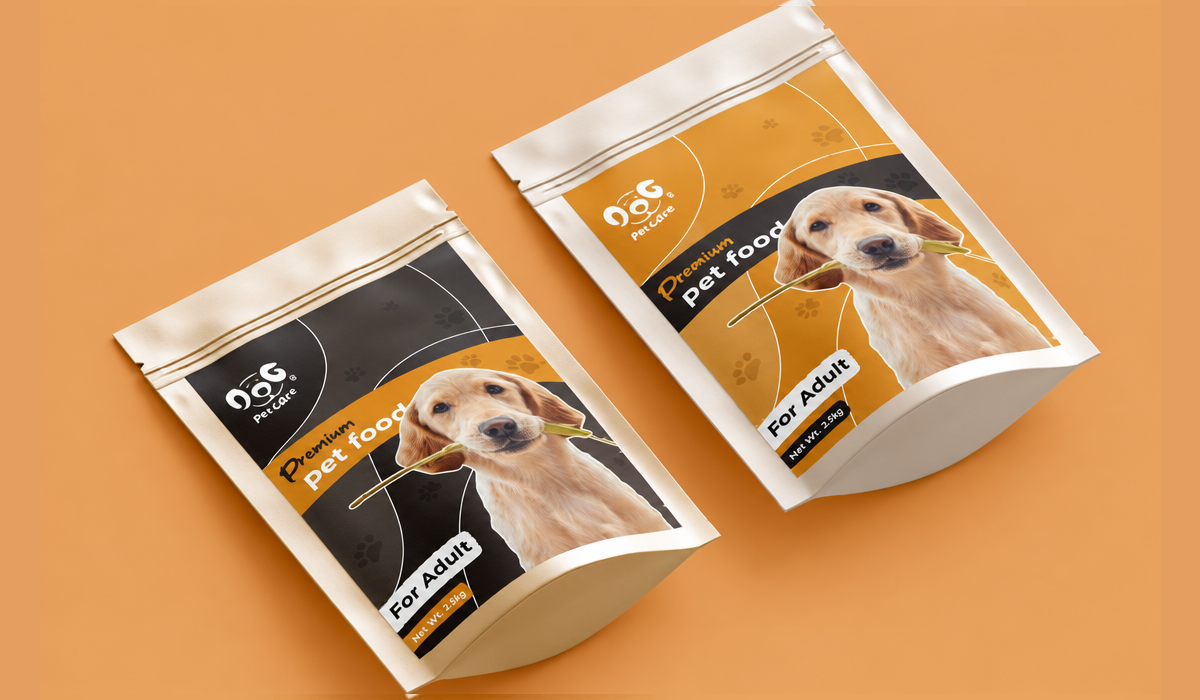
.png)
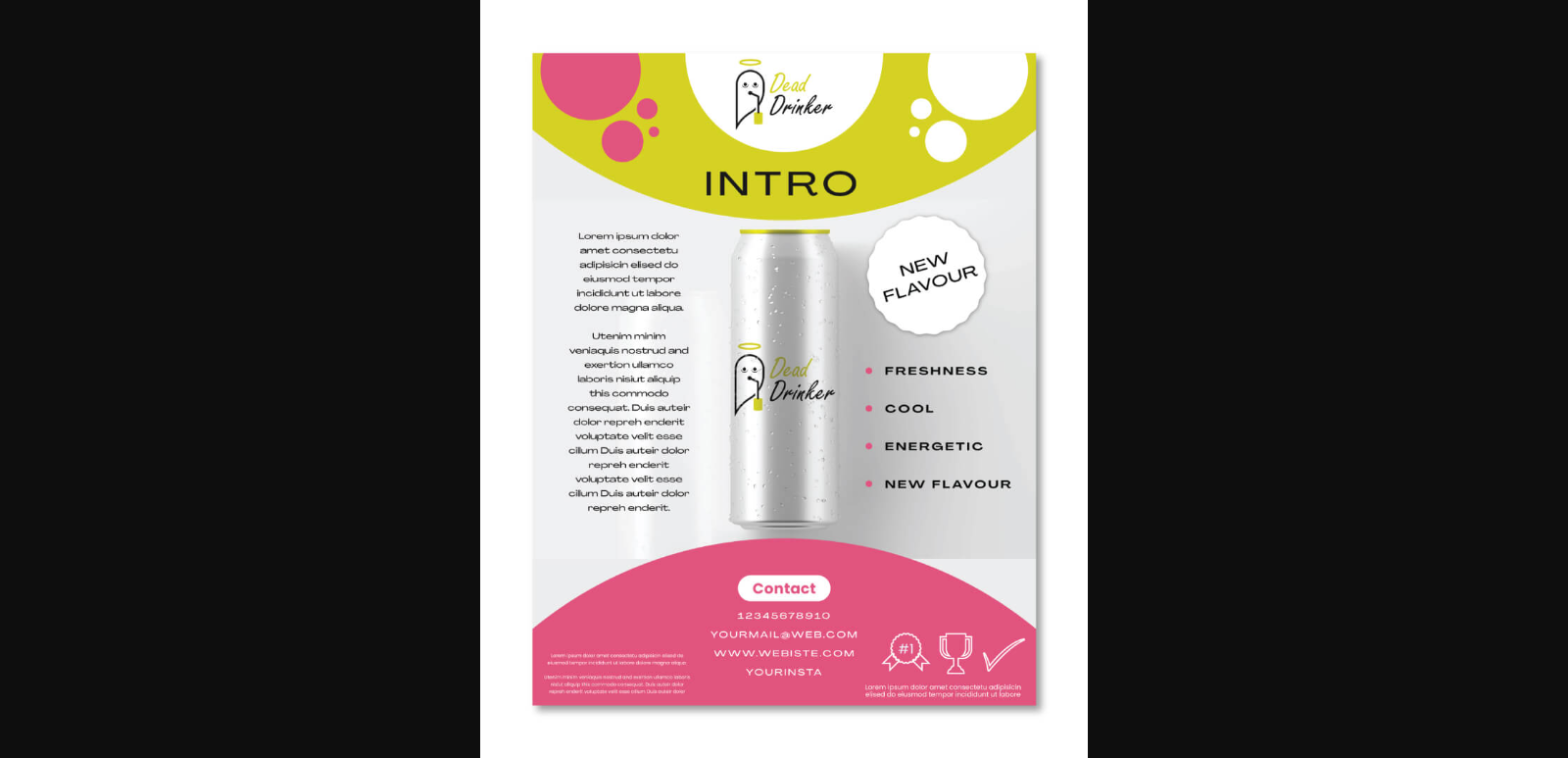
.png)
Comments
Update Comment